How it works
brandflare asks the AI engines your customers use about your brand, checks every answer, and tells you what to fix. Here's the whole thing in five steps.
Explore lists more than a thousand brands, each with its Flare score: how often ChatGPT, Gemini, Perplexity and Claude name it when customers ask about its category.
Search for your brand, or open your category and see who's winning. A free account opens any profile, no card needed.
Not there? That's fine. You can add any brand to your own account, whether it's in the index or not.
Explore brands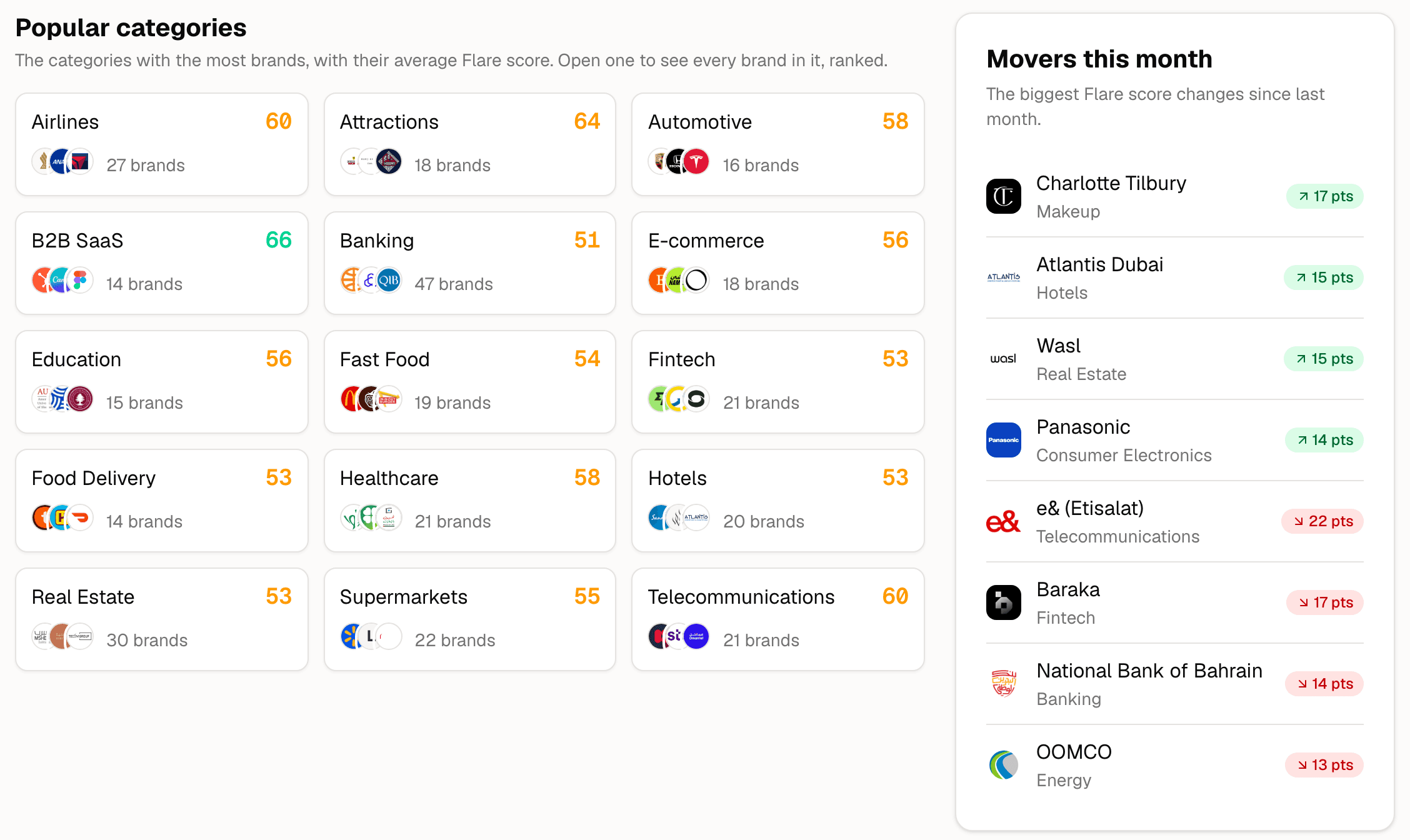
brandflare has two kinds of brand, and they never mix. Adding your brand never puts it on Explore.
Brands we choose, research and check ourselves
The brands you add to your workspace
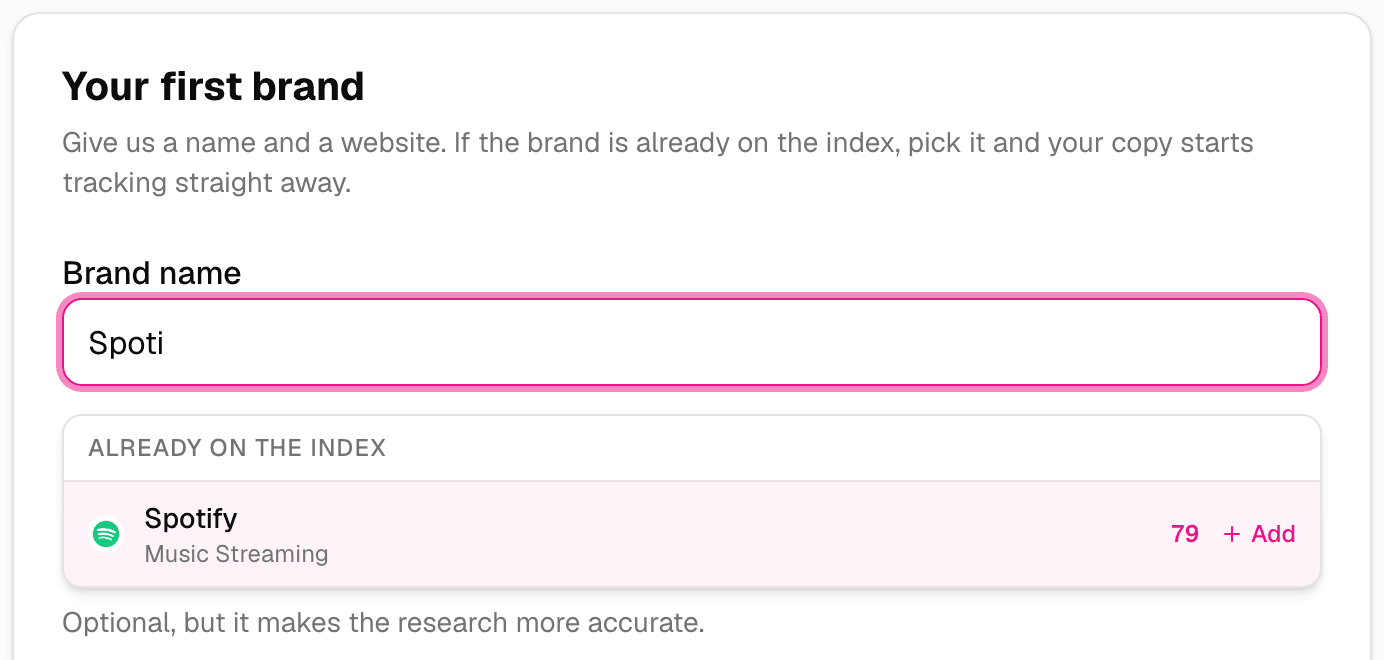
Already in the index? Adding it gives you your own private copy, starting with its history. What you change stays in your workspace, and the public profile carries on as it was.
Give us a name and a website. If the brand is already in the index, pick it and your copy starts straight away, with its history.
If it isn't, we research it in a few minutes: its category, its competitors, a fact sheet of what's true about it, and the questions your customers ask.
Private to your workspace from the first minute.
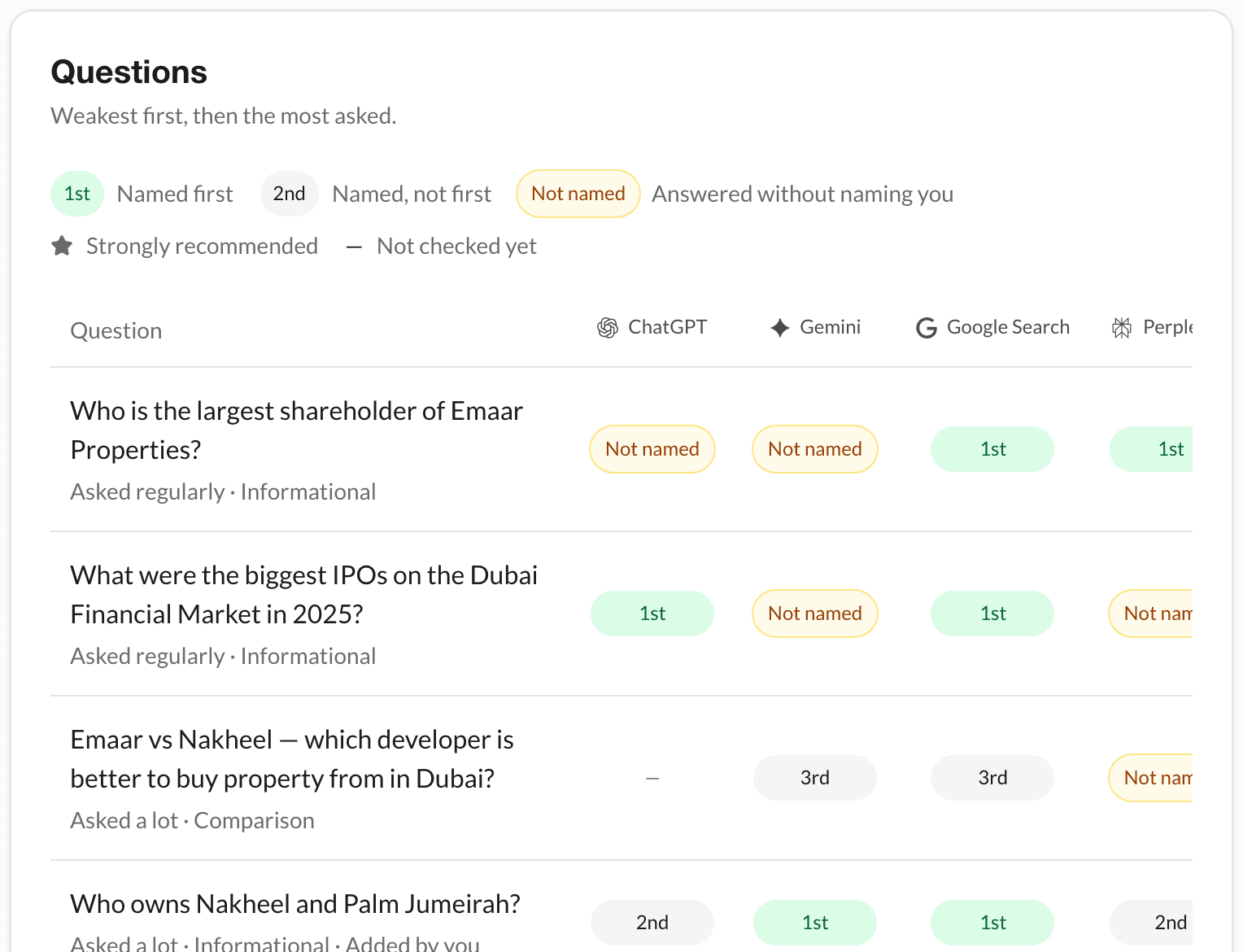
Every week, ChatGPT, Gemini, Google Search, Perplexity and Claude are asked your questions, the way a customer would ask them.
Every answer is kept, so you can read exactly what each engine said and who it named instead of you.
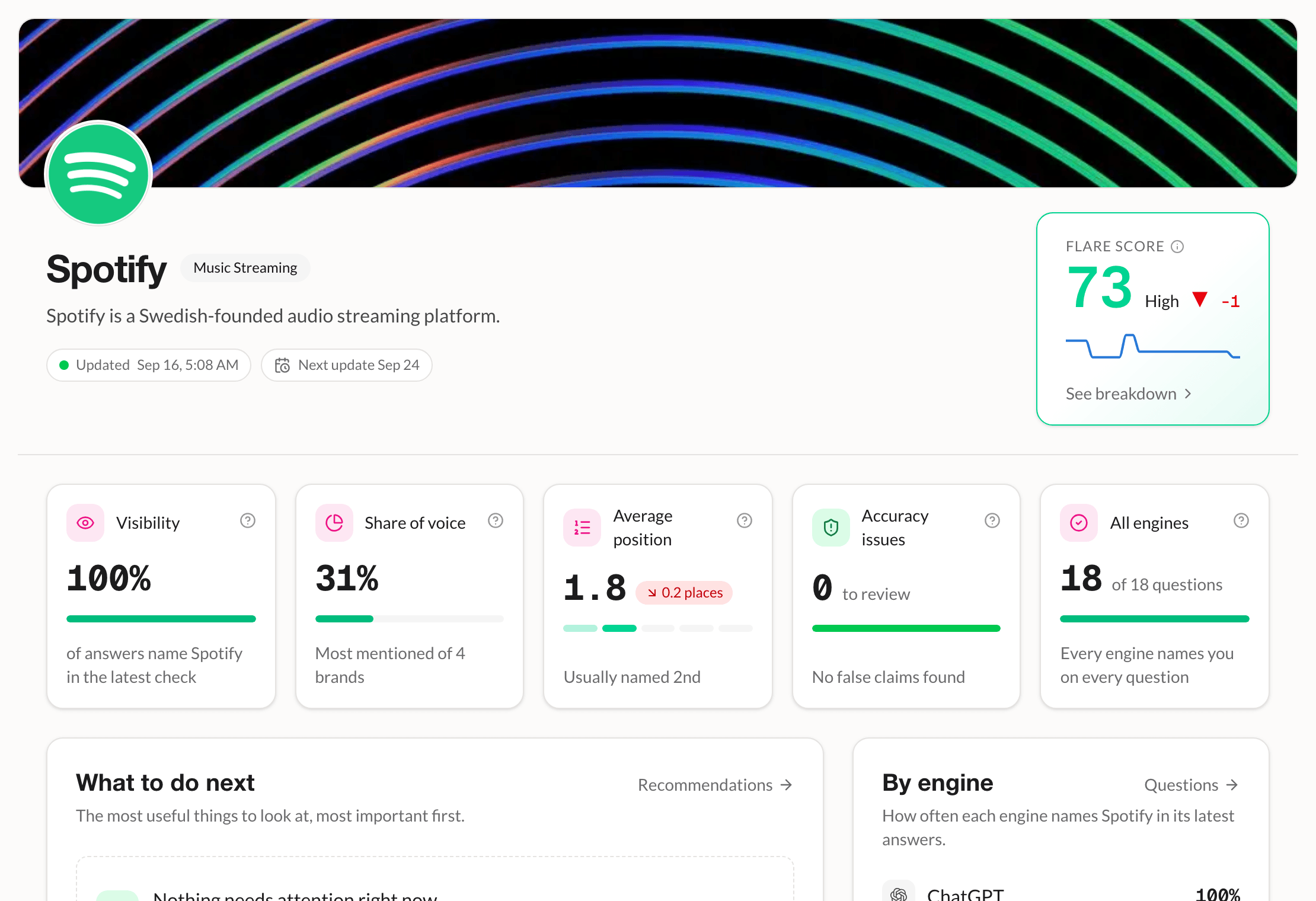
Your Flare score, how often each engine names you, and where you rank against your competitors, with the trend week by week.
Every claim an engine makes about you is checked against your fact sheet, so you know exactly what AI gets wrong, and where it got it from.
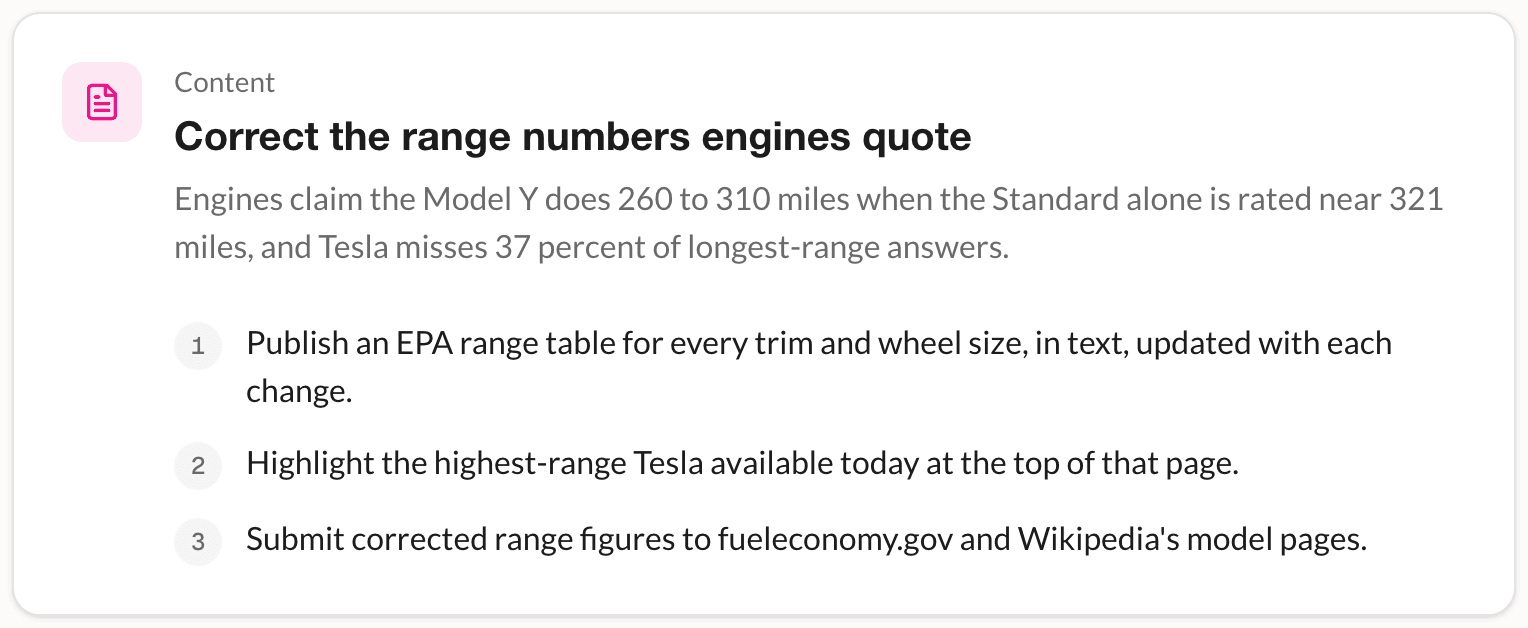
A short list of what to publish or correct, in plain English, with the most important first. No guesswork about where to start.
The next weekly check shows whether the answers moved.
Find your brand in the index, then track it privately when you're ready.
Want the detail? Read the guides
